Why Data Centres Are Going Modular
The Deployment Gap: Why Traditional Data Centres Cannot Keep Up
Conventional data centre construction follows a familiar pattern: site selection, planning permissions, civil engineering, structural build, fit-out, commissioning. From first sketch to first rack powered on, you are looking at 18 to 36 months. For many organisations, that timeline was tolerable when capacity planning happened in annual cycles.
It is no longer tolerable. AI training clusters need to be operational in weeks. 5G rollouts demand processing capacity at thousands of distributed locations simultaneously. Edge computing, by definition, requires infrastructure at the network periphery, not in a centralised hub three countries away. The mismatch between the speed at which computing demand grows and the speed at which traditional facilities can be built is widening.
The global modular data centre market reflects this pressure, with projections placing it above USD 38 billion by 2026 at a compound annual growth rate exceeding 17 percent. That growth is not speculative enthusiasm. It is a direct response to a structural problem: organisations need computing capacity faster and in more places than conventional construction can deliver.
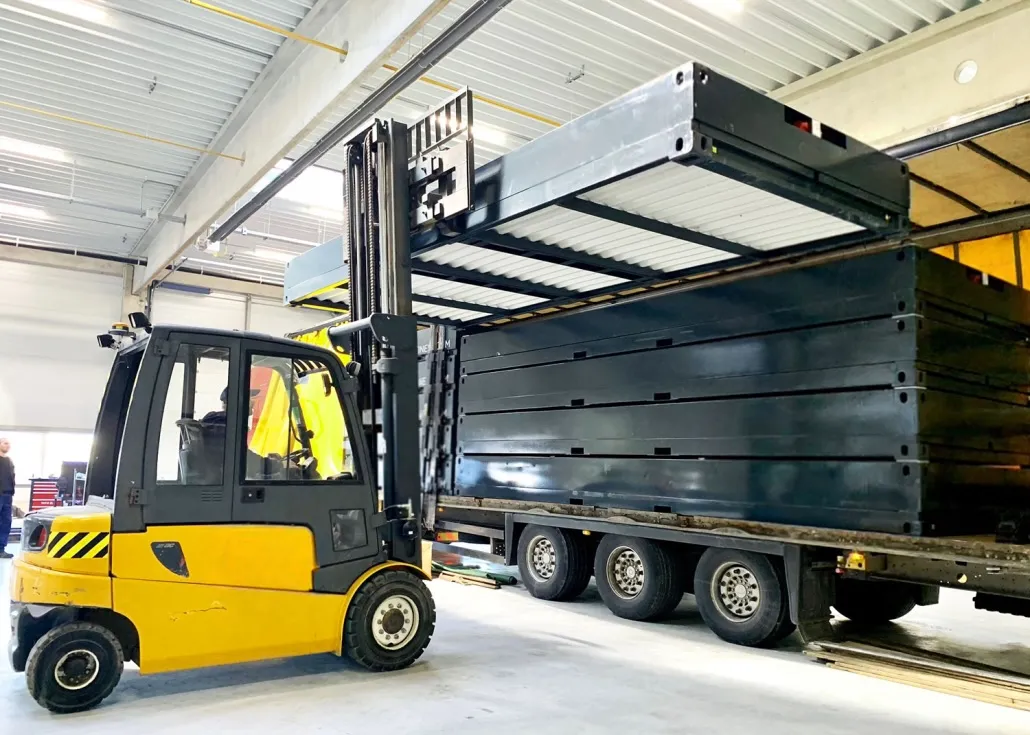
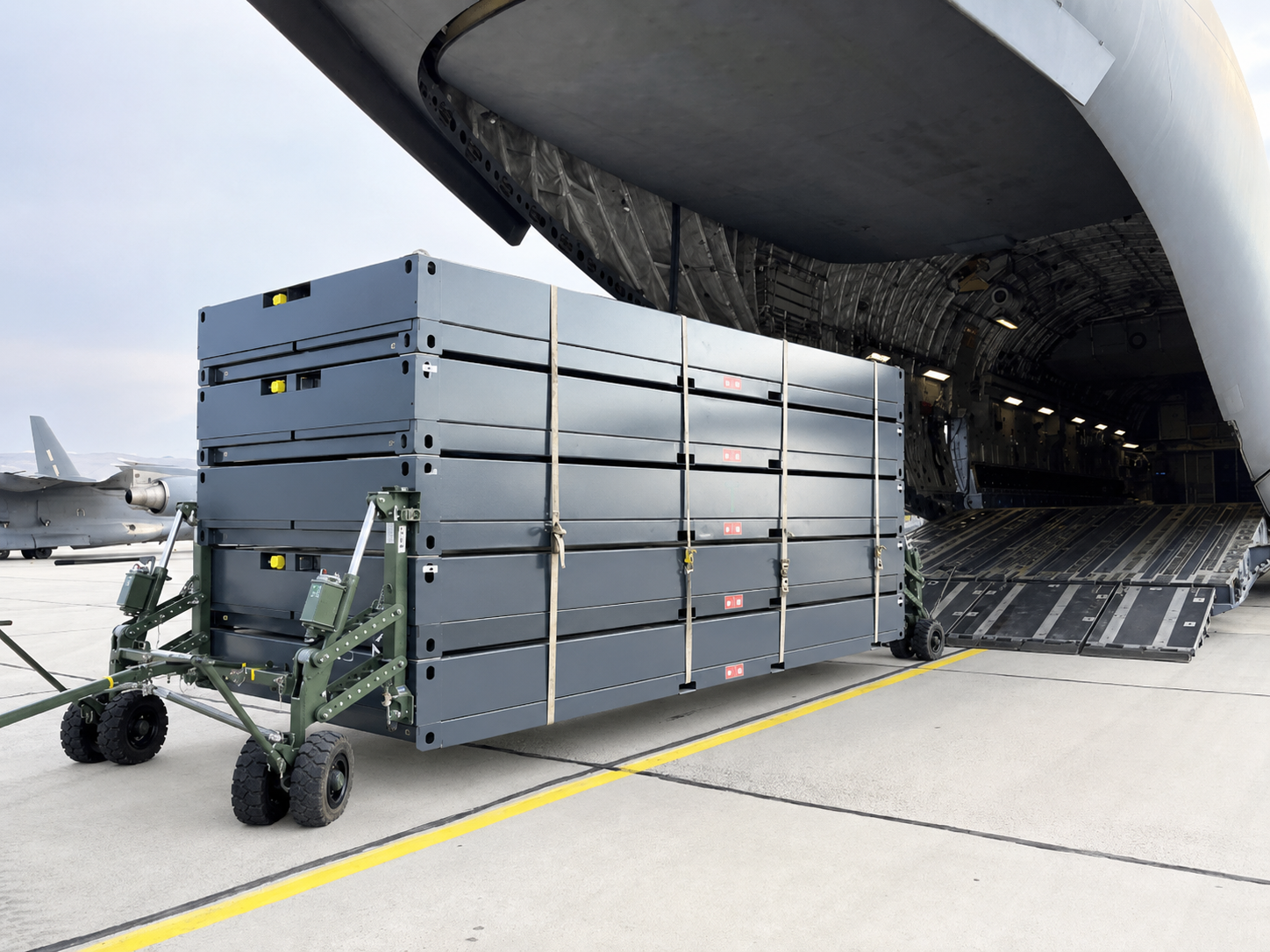
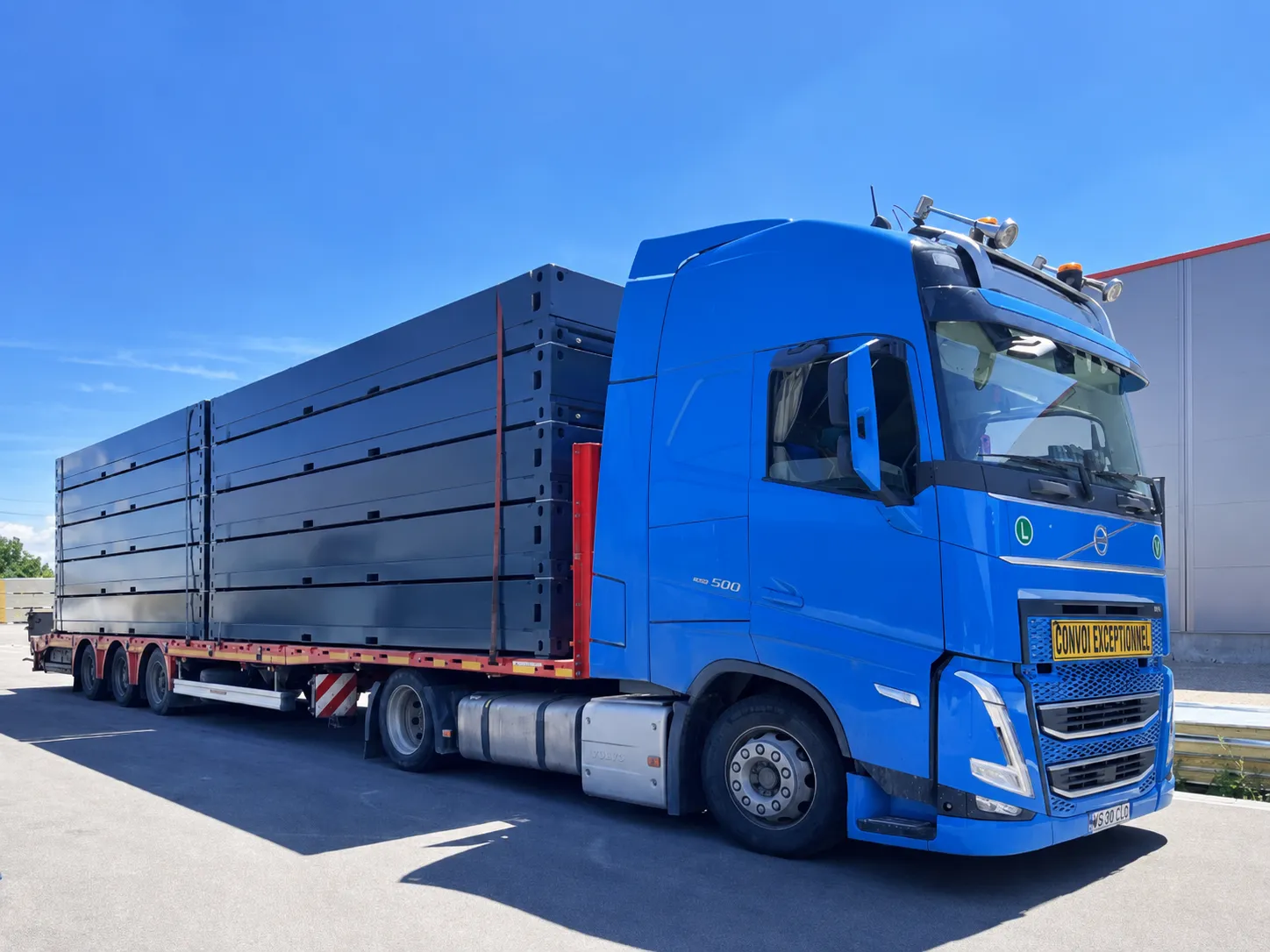
Containerised data centres close this gap. Pre-configured, factory-tested, and transportable in standard ISO formats, they can move from order to operational deployment in under 190 days, with some configurations ready in 12 to 16 weeks. That is not a marginal improvement. It is a fundamentally different infrastructure delivery model.
How a Containerised Data Centre Actually Works
A containerised data centre is a self-contained computing environment housed within a standard shipping container format, typically 20 ft (6 m) or 40 ft (12 m), often in high-cube variants to provide additional vertical clearance for taller rack configurations.
Inside, the unit integrates server racks, power distribution (including UPS and switchgear), cooling systems, fire suppression, environmental monitoring, and physical security provisions. Every subsystem is installed, wired, and tested at the factory before the container ships. When it arrives on site, the primary tasks are connecting external power, network, and any supplementary cooling or backup generation.
What is in a data centre?
Whether traditional or containerised, the core components are the same. Server hardware handles computation and storage. Networking equipment (switches, routers, patch panels) manages data flow. Power infrastructure ensures clean, uninterrupted electricity through UPS systems, power distribution units, and automatic transfer switches for generator failover. Cooling systems remove heat generated by the IT equipment. Fire suppression protects against thermal events. Monitoring and management software tracks temperature, humidity, power draw, and security status in real time.
The difference in a containerised unit is density and integration. Everything is engineered into a confined, transportable envelope. There is no raised floor, no separate plant room, no corridor. The design must resolve airflow, cable management, power distribution, and human access within roughly 30 square metres for a 40 ft unit.
Scaling by Addition, Not Expansion
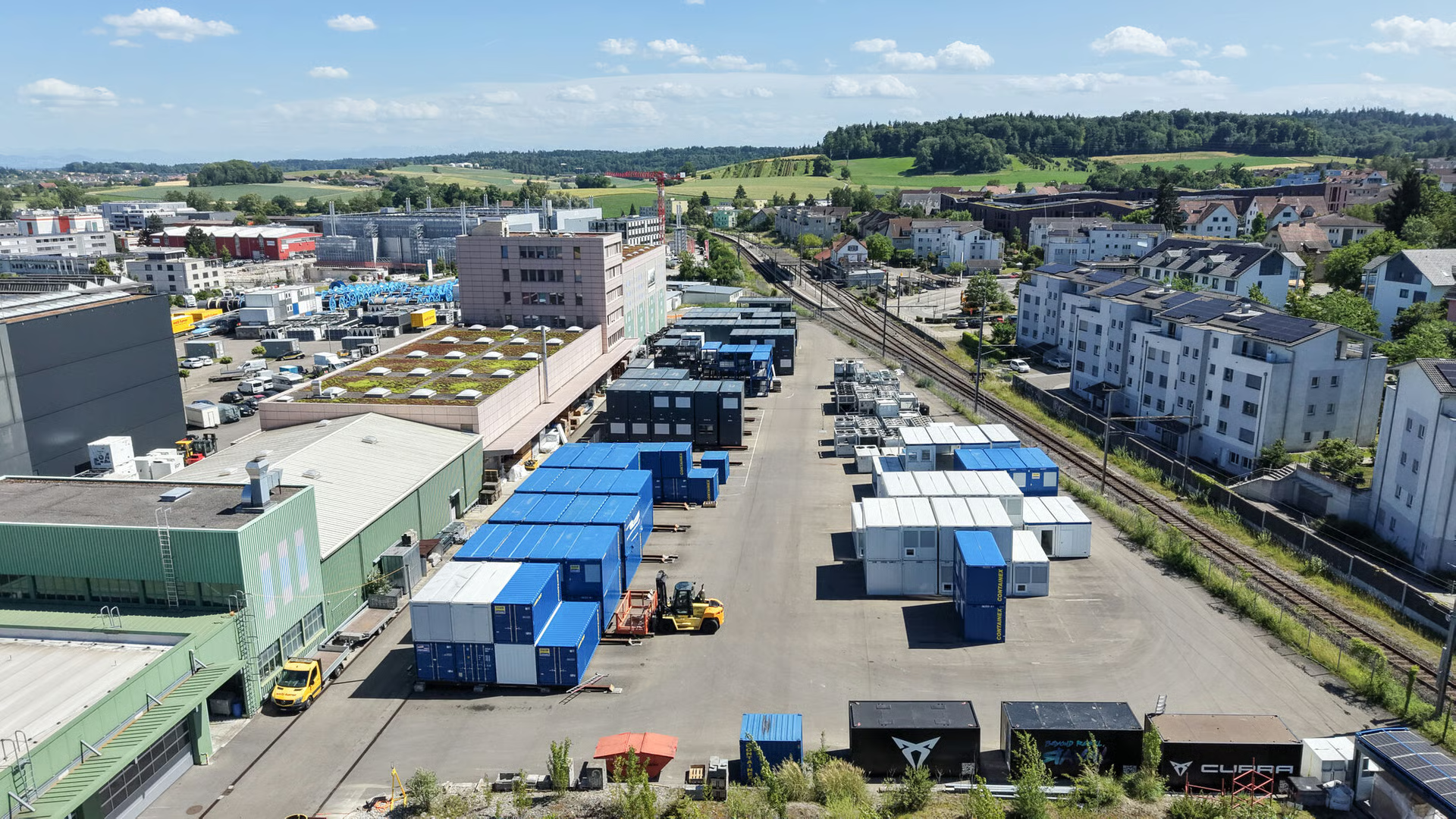
Modular architecture means you scale capacity by adding units rather than expanding a building. A single container can function as a standalone micro data centre for an edge deployment. Multiple containers can cluster into a larger facility, sharing power and network infrastructure, and potentially achieving Tier III or Tier IV redundancy through redundant paths and concurrent maintainability across units. This approach lets you match capital expenditure precisely to demand, adding capacity in defined increments rather than overbuilding against a forecast.
Where Containerised Data Centres Excel
Containerised infrastructure is not the answer to every data centre requirement. It is, however, the strongest option in several well-defined scenarios.
Edge Deployments
Edge computing requires processing power close to the point of data generation or consumption. Telecom operators deploying 5G base stations, industrial sites running real-time analytics on production data, smart city applications processing traffic or sensor feeds: all need local compute that does not depend on a round trip to a centralised facility. A containerised micro data centre placed at or near the network edge delivers this with minimal site preparation.
Remote or Temporary Locations
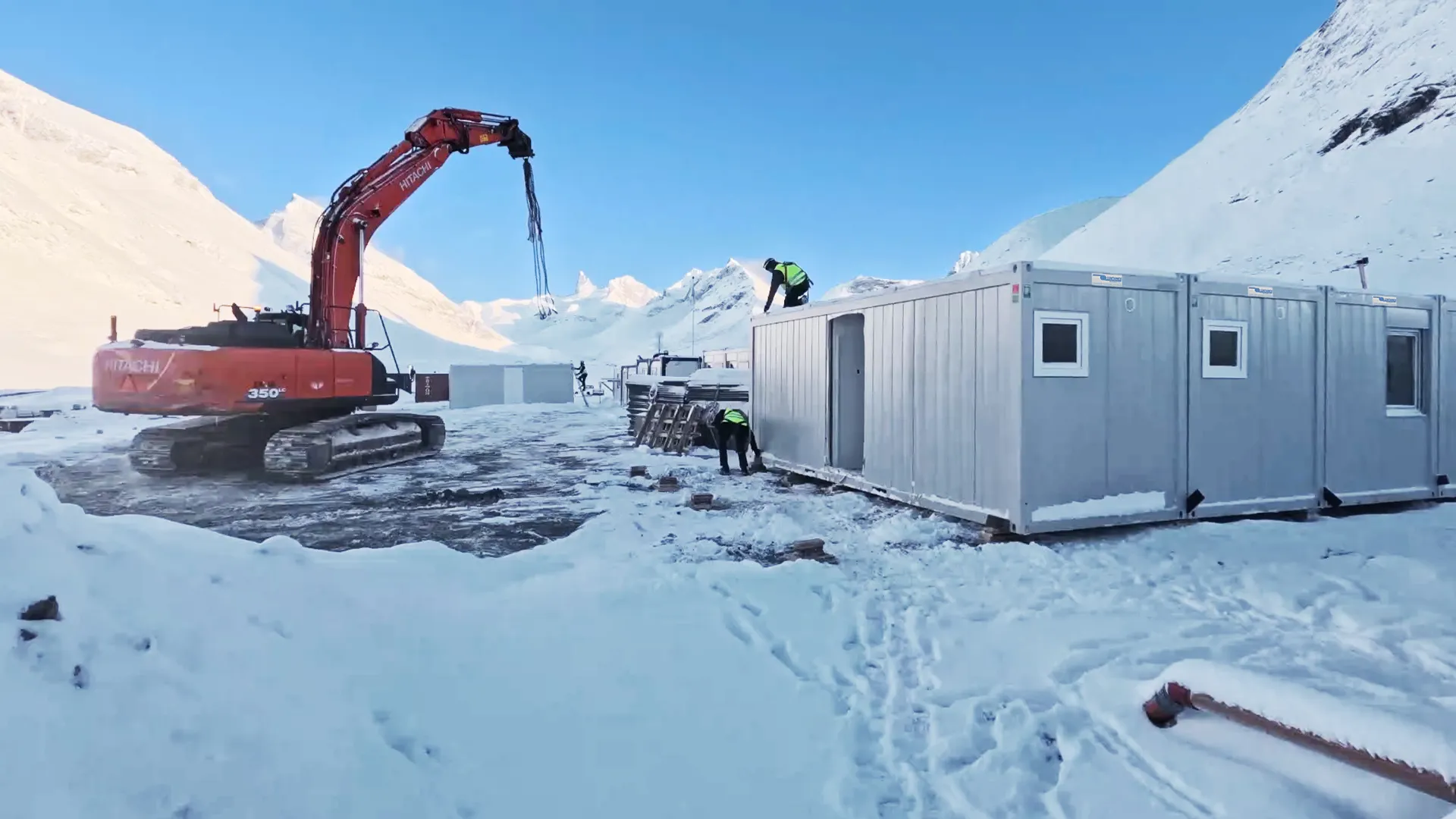
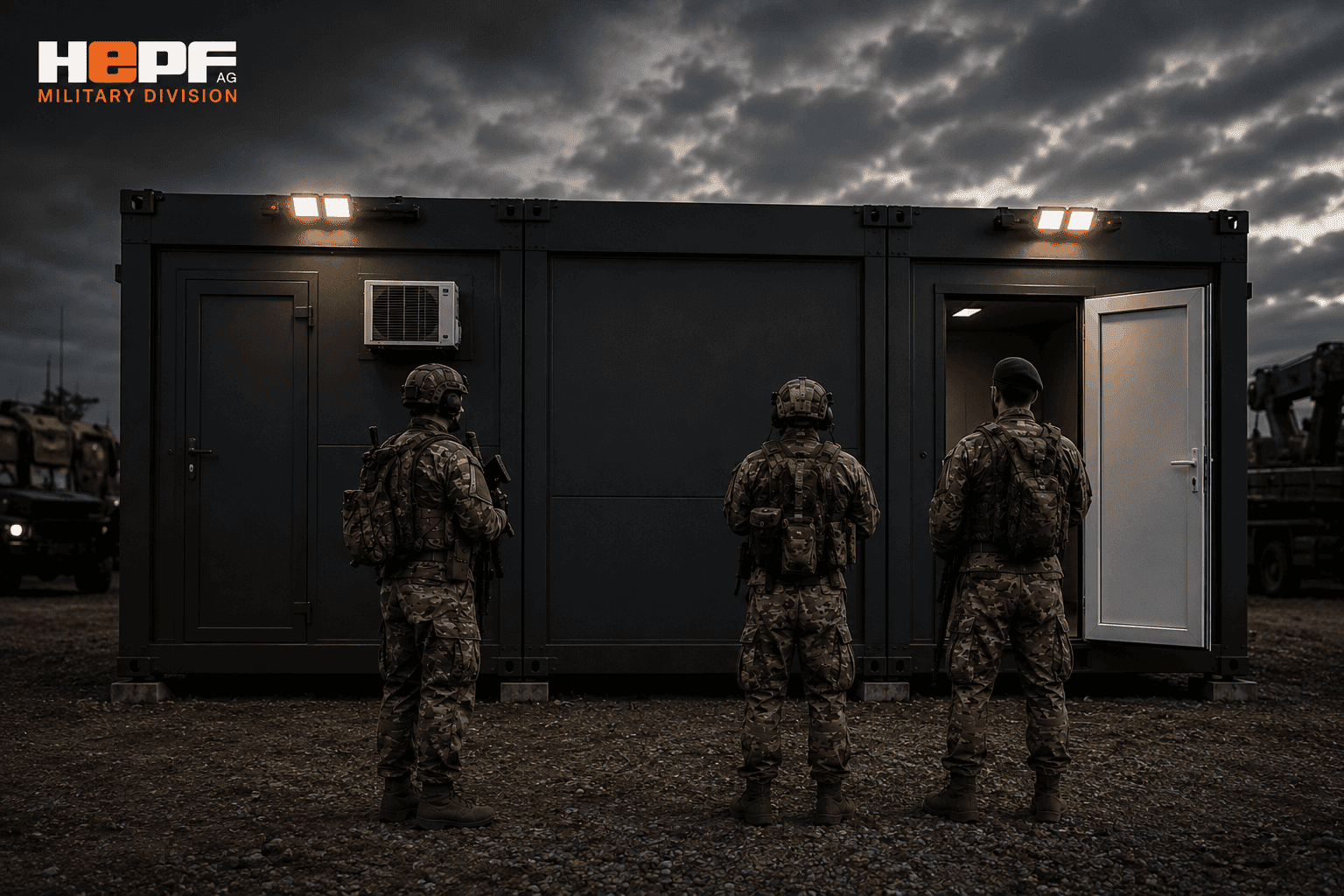
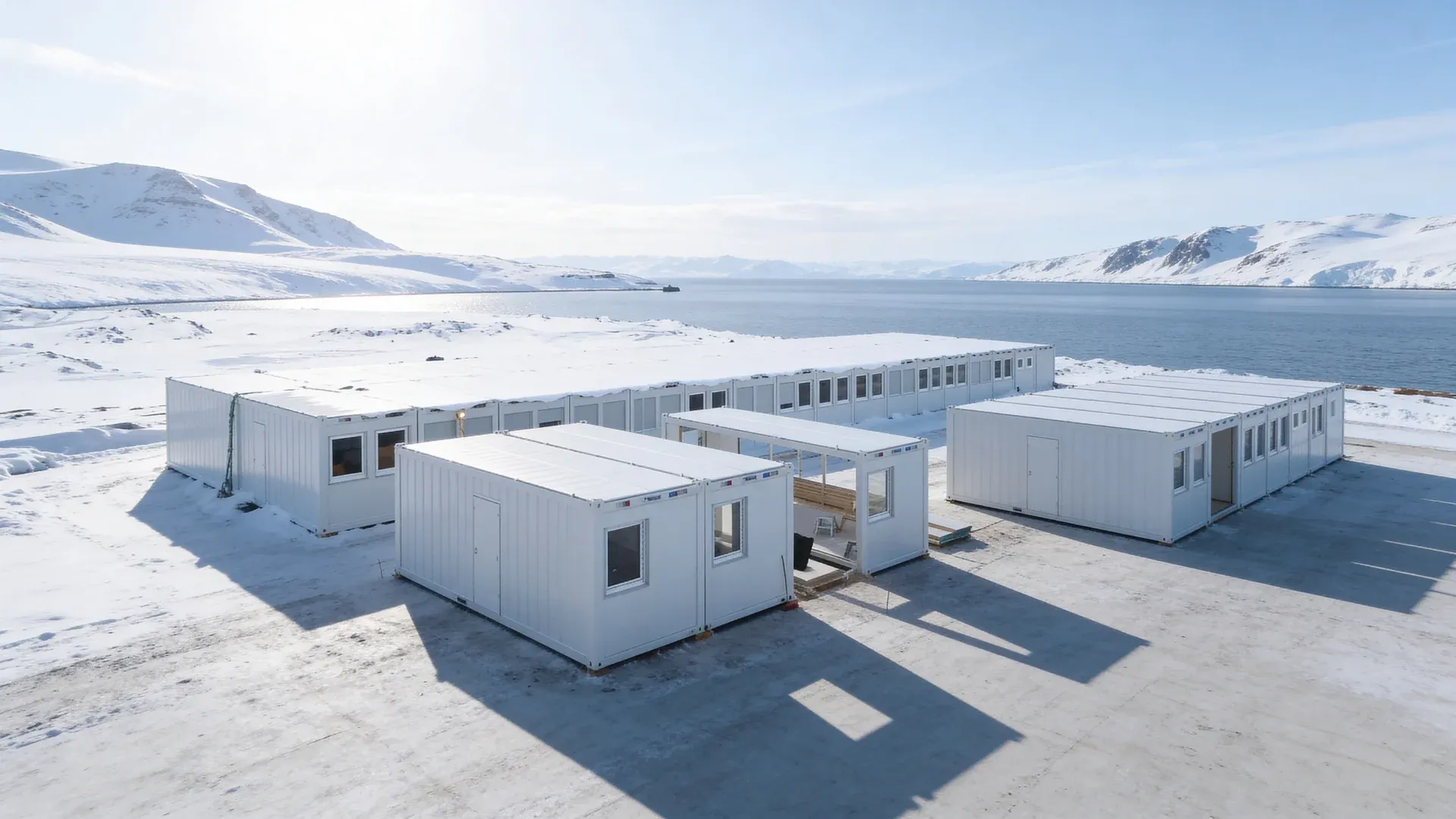
Mining operations, military forward operating bases, disaster recovery staging areas, and construction projects in undeveloped areas all share a common problem: permanent building construction is either impractical or unjustifiable. Containerised units can be delivered by standard freight, placed on prepared ground, and connected to local or temporary power. When the mission changes, they can be relocated.
Overflow and Burst Capacity
Existing data centres that hit capacity limits during demand spikes can deploy containerised units in an adjacent yard as overflow. This avoids the cost and disruption of a building extension while providing the capacity headroom to handle peak loads or bridge the gap while a permanent expansion is under construction.
Rapid AI and ML Deployment
AI training workloads are characterised by urgency and intensity. Organisations commissioning large language model training or inference clusters often cannot wait 24 months for a traditional build. Containerised units pre-loaded with GPU-dense racks and appropriate liquid cooling can compress the path from procurement decision to operational compute.
Power and Cooling: The Critical Engineering Challenges
If you are evaluating containerised data centres, the cooling and power sections of any vendor proposal deserve your closest scrutiny. These two factors determine whether a unit performs reliably in the field or becomes an expensive, overheating liability.
Cooling Inside a Steel Box
Cooling is the single largest operational cost in any data centre and the single most challenging engineering problem in a containerised one. A sealed steel enclosure exposed to direct sunlight in a warm climate can reach extreme ambient temperatures. The IT equipment inside generates substantial additional heat. Managing this in a space roughly 2.4 metres wide requires careful design.
The main cooling approaches for containerised units are:
- In-row cooling units. Placed between server racks, these draw hot air from the rear of the racks, cool it, and return it to the front. Effective for moderate power densities up to roughly 10 to 15 kW per rack, depending on configuration.
- Rear-door heat exchangers (RDHx). Mounted on the back of each rack, these use chilled water to capture heat at source before it enters the room. They work well in higher-density deployments and reduce the volume of air that must be circulated.
- Direct liquid cooling (DLC). Coolant is piped directly to the processor and GPU heat sinks. This is increasingly necessary for AI-oriented deployments where rack densities push beyond 30 kW per rack. Air cooling alone cannot manage heat at these densities in a confined container.
- Free-air economisers. In cooler climates, filtered outside air can supplement or replace mechanical cooling for significant portions of the year. This reduces energy consumption and can bring PUE (Power Usage Effectiveness) figures down towards 1.1 to 1.2.
ASHRAE TC 9.9 thermal guidelines define the recommended and allowable temperature and humidity envelopes for data processing equipment. For containerised deployments, you should verify that the cooling system can maintain conditions within the ASHRAE A1 recommended envelope (18 to 27 degrees Celsius intake temperature) under the worst-case ambient conditions at your planned site. Designs that rely on the broader A3 or A4 allowable envelopes are trading equipment longevity for lower cooling cost, which may or may not be acceptable depending on your deployment duration and hardware value.
Power Provisioning
A containerised data centre is only as reliable as its power supply. Site-level power engineering must address:
- Utility connection. Voltage, phase configuration, and available capacity from the local grid. Some edge or remote sites may have limited grid capacity, requiring negotiation with the distribution network operator.
- Backup generation. Diesel or gas generators sized to carry the full IT load plus cooling during a grid outage. For Tier III equivalent redundancy, you need N+1 generator capacity with automatic transfer.
- UPS systems. Online double-conversion UPS within or adjacent to the container, providing ride-through power during the seconds between grid failure and generator start. Battery runtime of 5 to 15 minutes is typical.
- Power distribution. Intelligent PDUs (power distribution units) at the rack level, with per-outlet monitoring to track consumption and identify anomalies.
Typical containerised units support rack densities from 5 to 20 kW per rack with air-based cooling. Liquid-cooled configurations can push beyond 30 kW per rack, but the total power draw per container then rises significantly, with implications for both the utility supply and the cooling energy budget. PUE for well-designed containerised units typically falls between 1.2 and 1.4, which is competitive with modern purpose-built facilities and substantially better than older traditional data centres.
EU Energy Reporting
If you are deploying in the European Union, be aware that the recast Energy Efficiency Directive (2023) introduces reporting obligations for data centres above 500 kW from 2024 onward. This applies to containerised deployments that meet the threshold, and the reporting covers energy consumption, PUE, water usage effectiveness, heat reuse, and renewable energy share. Plan for metering and data collection from the outset rather than retrofitting it.
Limitations and Honest Trade-Offs
Containerised data centres are a powerful tool for specific problems. They are not a universal replacement for every type of facility.
Physical Space Constraints
A 40 ft container offers roughly 28 to 30 square metres of internal floor area. After accounting for cooling, power distribution, and a maintenance aisle, you are typically fitting 10 to 20 racks depending on depth and configuration. A purpose-built data hall can house hundreds of racks with more efficient use of space per square metre of building footprint. If your requirement is a single large facility with hundreds of racks in one location, a containerised approach means managing a cluster of many units, which introduces its own coordination complexity.
Ventilation and Heat Dissipation Limits
The enclosed steel structure, while excellent for physical security and weather resistance, constrains airflow. At very high rack densities without liquid cooling, heat accumulation can become a serious problem. If your workload demands sustained high-density compute (above 15 to 20 kW per rack), confirm that the proposed cooling system has been tested and validated at those densities, not merely rated for them on paper.
Site Preparation
Containerised does not mean zero site work. You need level, load-bearing ground (a concrete pad or compacted gravel, depending on weight and stacking). You need utility power at adequate capacity. You need network connectivity, whether fibre, microwave, or satellite. You need physical security measures appropriate to the location. In some cases, you need planning permission or a building permit, which varies by jurisdiction. Do not assume that placing a container on a site is exempt from local permitting requirements.
Not a Hyperscale Solution
Hyperscale operators building for tens of thousands of racks will continue to construct purpose-built campuses. Containerised infrastructure addresses a different segment: distributed, edge, rapid-deployment, temporary, or remote scenarios where speed, flexibility, and location independence matter more than raw density at a single site.
Rent, Buy, or Lease: Flexible Ownership Models
One of the practical advantages of containerised infrastructure is ownership flexibility. Unlike a traditional data centre building, which represents a long-term capital commitment tied to a specific plot of land, a containerised unit is a movable, depreciable asset.
- Purchase. Full ownership suits long-term, permanent deployments where the organisation intends to operate the unit for years. The unit appears on the balance sheet as a capital asset.
- Rental. Short-term or temporary deployments, overflow capacity during demand spikes, or pilot projects that need to prove a concept before committing capital. Rental shifts the cost to operating expenditure.
- Lease. A middle path offering longer-term use without full purchase, often with options to buy at the end of the lease term.
- Buy-back. Some providers offer buy-back arrangements, reducing the risk of asset obsolescence. If your compute requirements change or the deployment concludes, you have a contractual exit path.
The redeployability of containerised units also supports residual value. A unit retired from one location can be refurbished, reconfigured, and redeployed elsewhere, extending its useful life and supporting circular economy principles.
The Future: AI Demand, Sustainability, and Distributed Architecture
AI workload energy demands are projected to reach approximately 200 GW globally by 2030, according to estimates drawing on IEA and industry research. Meeting that demand with traditional centralised construction alone is neither fast enough nor, in many cases, environmentally defensible.
Containerised data centres contribute to sustainability in several concrete ways. Prefabrication in a controlled factory environment reduces construction waste compared to on-site building. Units can be sited deliberately near renewable energy sources, such as wind, solar, or hydroelectric installations, reducing transmission losses and increasing the renewable share of the energy mix. At end of life, the steel structure is recyclable, and the modular components can be separated and repurposed.
Distributed architecture also reduces the concentration risk inherent in massive centralised facilities. Rather than routing all data to one location, processing happens closer to where it is generated, reducing latency, bandwidth costs, and the single-point-of-failure risk of a centralised hub.
What do data centres do, and why are they criticised?
Data centres store, process, and distribute digital information. Every email, video stream, financial transaction, and AI query passes through data centre infrastructure at some point. Criticism centres primarily on energy consumption: data centres currently account for an estimated 1 to 1.5 percent of global electricity use, a figure that is rising with AI demand. Water consumption for cooling is a secondary concern, particularly in water-stressed regions. Containerised and modular approaches do not eliminate these concerns, but they do offer tools to mitigate them: more efficient cooling, deliberate siting near renewables, and right-sized capacity that avoids the energy waste of underutilised large facilities.
Key Questions to Ask Before Deploying
Before committing to a containerised data centre, work through these practical questions:
- What is the target power density per rack, and has the proposed cooling system been validated at that density under your site's ambient conditions?
- Is the site prepared for utility power at adequate capacity, and what is the lead time for grid connection?
- What backup generation and UPS provisions are included, and what redundancy level do they achieve?
- What is the realistic deployment timeline from order to operational, including site preparation and commissioning?
- Can additional units be added later without redesigning the site layout, power, or network infrastructure?
- What compliance, permitting, and energy reporting obligations apply in your jurisdiction?
- Is the solution available under a rental, lease, or buy-back model if your requirements are uncertain or time-limited?
- What physical security provisions are included for an outdoor or remote installation?
These questions separate credible proposals from marketing brochures. Any provider that cannot give you specific, documented answers to each of them is not ready to support a production deployment.
.webp)
Book a free consultation
Open, non-binding and tailored to your project.